
Hotline Bling AI vs Kapwing for the Drake dance video
Two ways to make the same trend from one photo. Here is how they differ in length, outfits, price and editing, and when each one is the better pick.
By Hotline Bling AI · Last updated
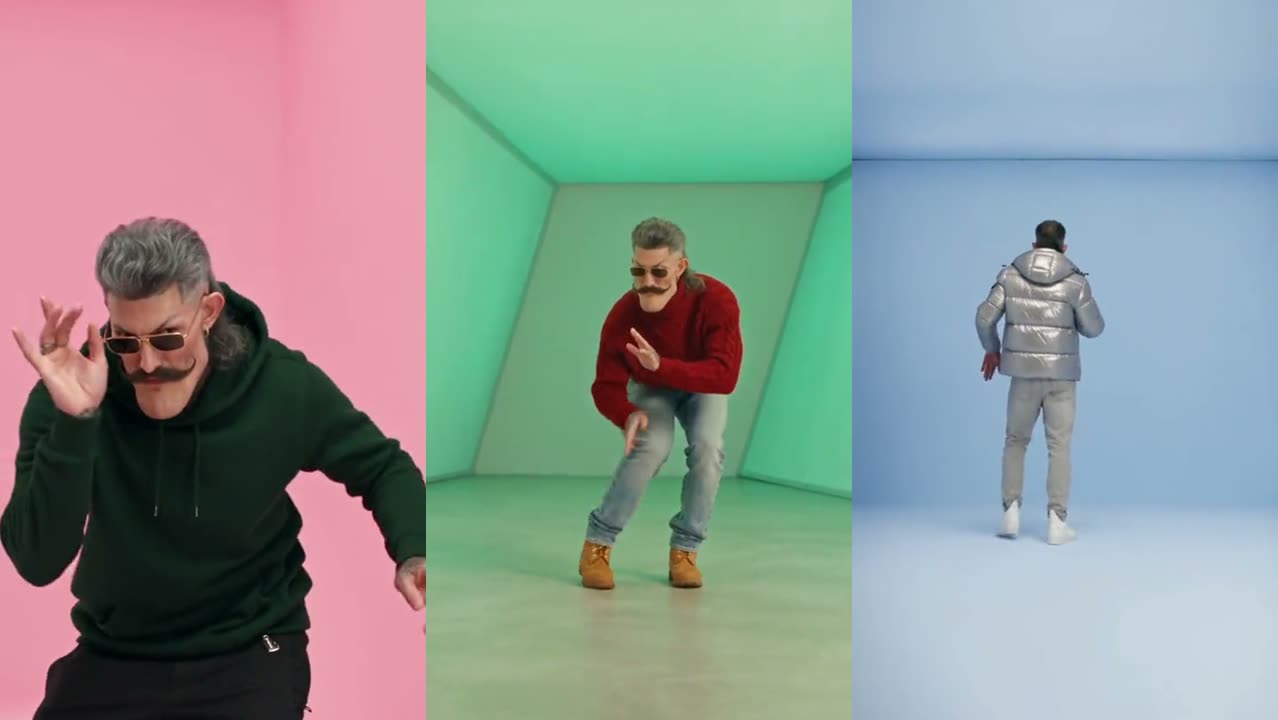
How do the two Hotline Bling generators compare?
Both tools start from one photo and need no prompt. They differ in clip length, the number of clips, outfits and how you pay. Facts about Kapwing come from its Hotline Bling template listing and were checked on November 13, 2026.
| This site | Kapwing | |
|---|---|---|
| Photos needed | One photo of one adult | One photo |
| Video length | 18 s or 17 s | 15 s |
| Clips to pick from | 2 template clips: Hotline Bling, 18 s; Pt 2, 17 s | One Hotline Bling template |
| Outfits | A new outfit at every cut (7 shots in the 18 s cut, 5 in Pt 2) | Not stated on the listing |
| Quality | 480p, 720p, 1080p | Not stated on the listing |
| Sound | The template’s soundtrack, on the beat | Audio included |
| Price | 100 credits per video at 480p; packs from $12.90 for 100 credits, no subscription | Not stated on the template page; Kapwing sells monthly plans |
| Watermark | None | Depends on your Kapwing plan |
| Editing afterwards | Download the MP4 and edit anywhere | Continue in the Kapwing editor |
Which one gives the better Hotline Bling video?
The better tool depends on the video you have in mind. For a longer clip with a wardrobe change at every cut, and a choice between two different clips, the generator on this site fits: the 18-second clip runs through seven outfits and Pt 2 adds the corridor and the white staircase. For a shorter 15-second clip that you then want to trim, caption or resize in the same place, Kapwing fits, because its template sits inside a full online editor.
Which one is cheaper for one Hotline Bling video?
On this site one 480p video costs 100 credits at Standard (480p), and the smallest pack is a one-time payment with no subscription. Credits never expire, and a failed video’s credits come back automatically. Kapwing’s template listing does not state a per-video price; Kapwing sells monthly plans, so the cost depends on the plan you already have. If you already pay for Kapwing, its template may cost you nothing extra.
What happens to my photo on each site?
On this site the photo is used only to make your video and is deleted from the AI provider’s storage within about 24 hours; finished videos are kept for 14 days. Kapwing’s handling of uploads is set out in its own privacy policy. Neither tool allows photos of other people without their consent.
Are there other options besides these two?
Yes. Starrd offers an 18-second template and a 17-second Pt 2 in an iPhone app, EAST.IM makes a two-person version, and Magic Hour swaps your face into the classic Drake GIF. All of them are compared in the side-by-side of every Hotline Bling tool. To try this site, open the Hotline Bling video maker.