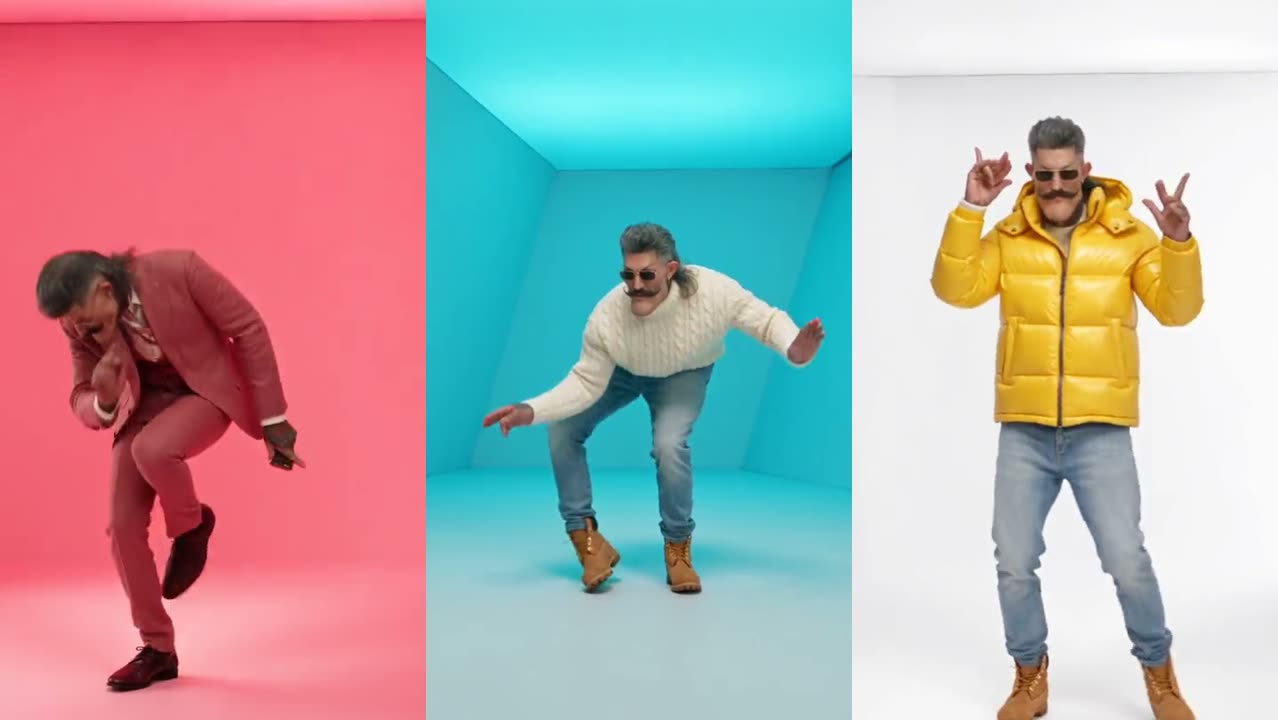
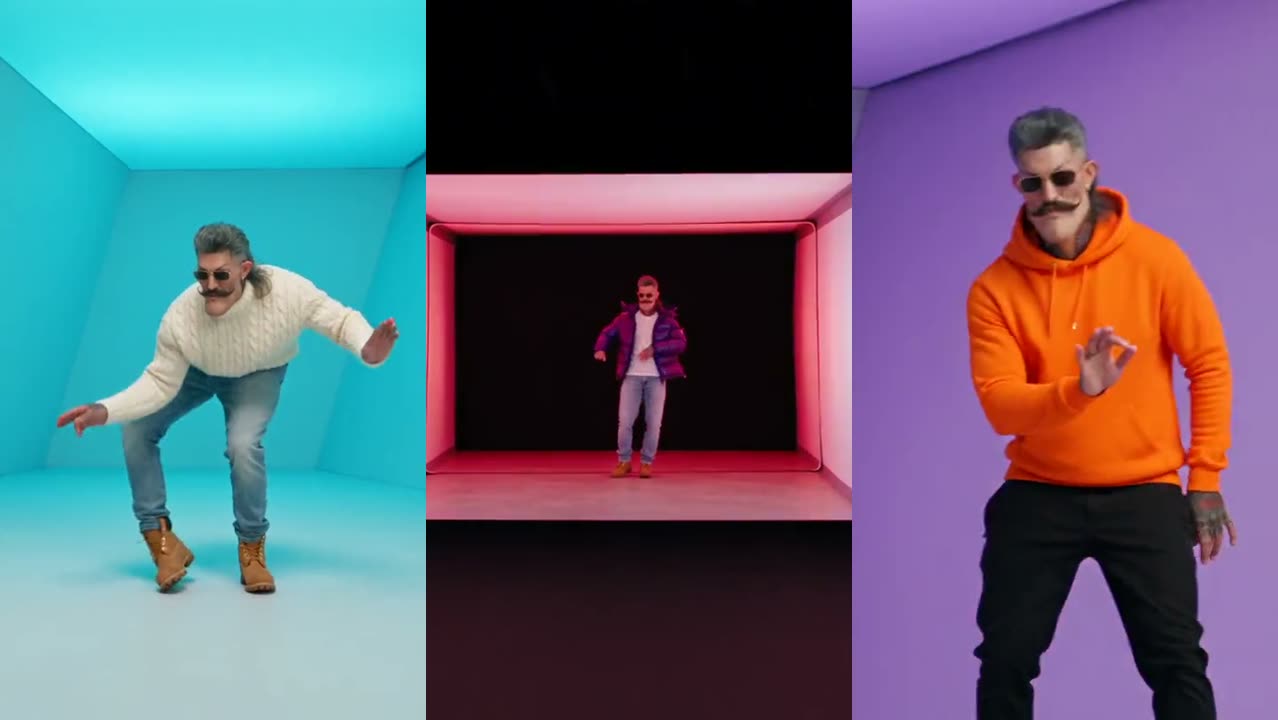
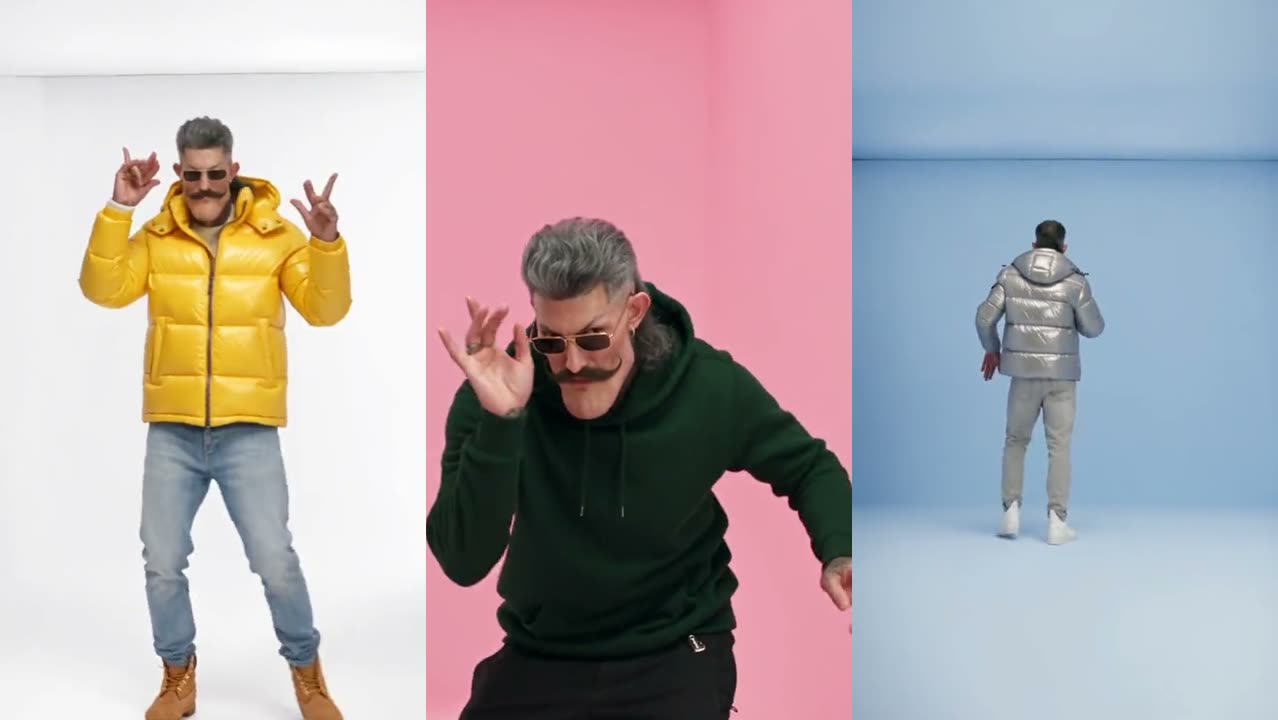
How to do the Hotline Bling AI trend on TikTok (and Reels)
How to post the Hotline Bling AI trend on TikTok: make the video from a photo, keep the sound, add the AI label, and use the right caption and hashtags.
By Hotline Bling AI · Last updated · 4 min read
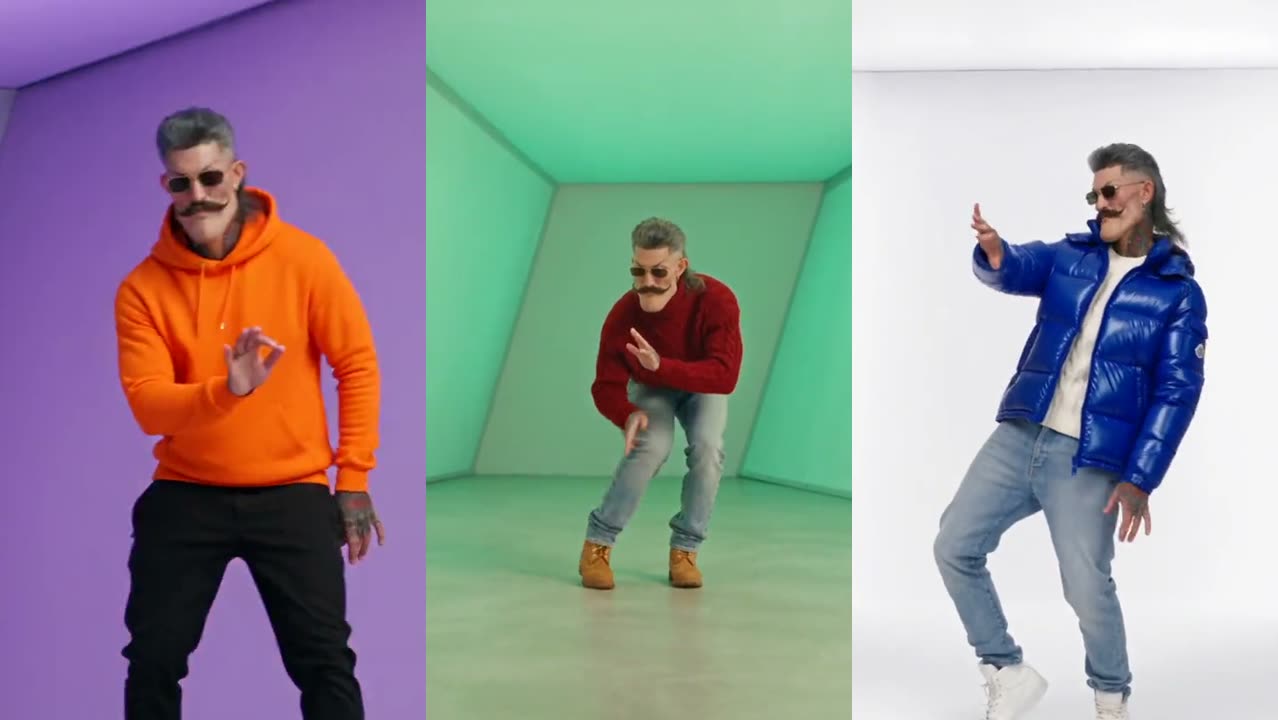
What do I need before I start?
- One clear, front-facing photo of yourself, or of an adult friend who agreed to it.
- An AI Hotline Bling video. The Hotline Bling AI video maker makes one in a few minutes; other tools are listed in the generator comparison.
- The TikTok app, signed in to the account you want to post from.
How do I post the Hotline Bling AI video on TikTok, step by step?
- Make and download the video. On this site, press Download under “My videos”; on iPhone, save it to Photos from the share sheet.
- Open TikTok and tap +, then Upload, and pick the video.
- Keep the sound. The video already has the song. If you would rather use TikTok’s own “Hotline Bling” sound, add it and turn the original volume down so they do not double up.
- Turn on the AI label. Under More options, switch on “AI-generated content”. TikTok asks creators to label realistic AI videos.
- Write the caption and post. Short works best; ideas are below.
What caption and hashtags should I use?
Keep the caption to one line and add three to five tags that people actually search:
| Type | Examples |
|---|---|
| Caption | “Seven outfits, zero dance lessons” · “I answered the hotline” · “POV: you’re in the light box” |
| Trend tags | #hotlinebling #hotlineblingtrend #drake |
| AI tags | #aitrend #aivideo |
| Topic tags | #outfitchange #dancetrend |
Why is my Hotline Bling video silent after posting?
A Hotline Bling video goes silent when the platform mutes copyrighted music, which happens more often on business accounts. Business accounts on TikTok can only use the Commercial Music Library. Fix it by adding the song from TikTok’s sound library on a personal account, or by picking a different licensed sound.
Does it work on Instagram Reels and YouTube Shorts?
Yes. The video is vertical 9:16, so it fills the screen on Reels and Shorts too. On Instagram, add the song from the Reels audio library if the original audio is muted; on YouTube, Shorts shows its own label for altered or synthetic content. The same MP4 works on all three.
Can I do the trend on TikTok without AI?
Yes. Search “Hotline Bling” in TikTok’s sounds, film short takes of the dance in front of a plain colored wall, change your top between takes and cut them on the beat. The moves are broken down in how to do the Hotline Bling dance. The AI version skips the filming and the outfit changes; the full walkthrough is in how to make the AI Hotline Bling video.