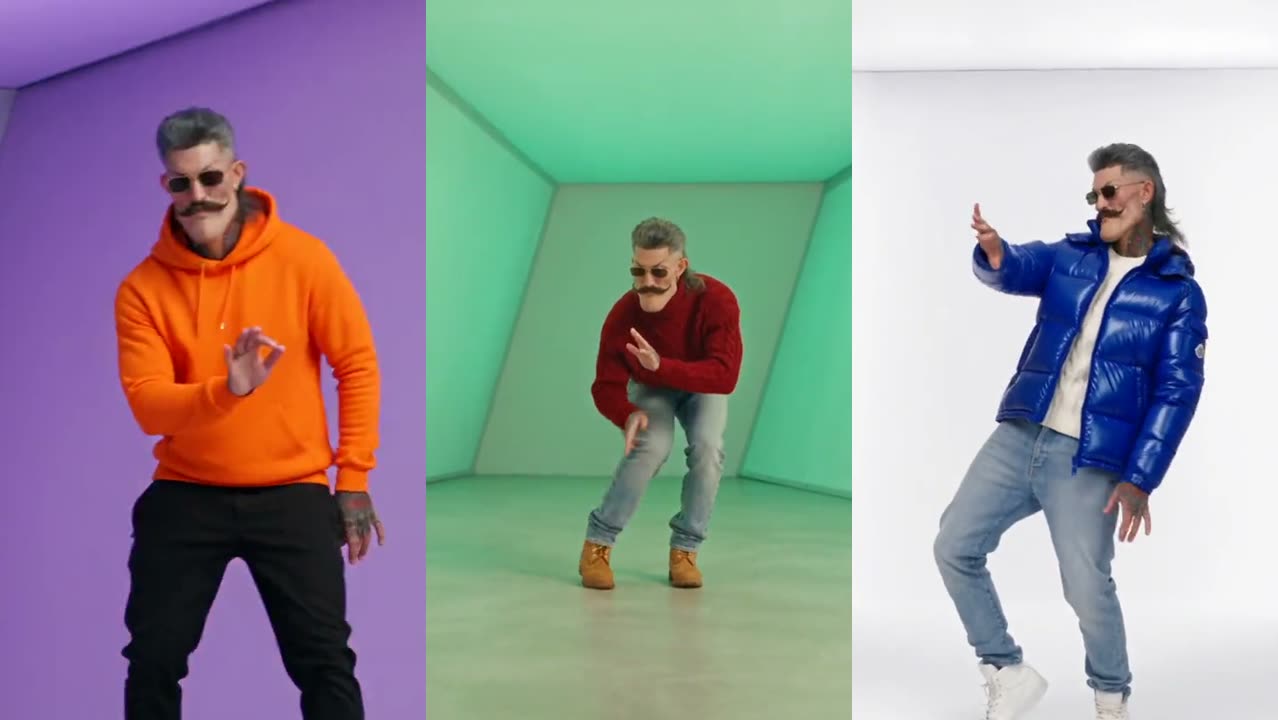
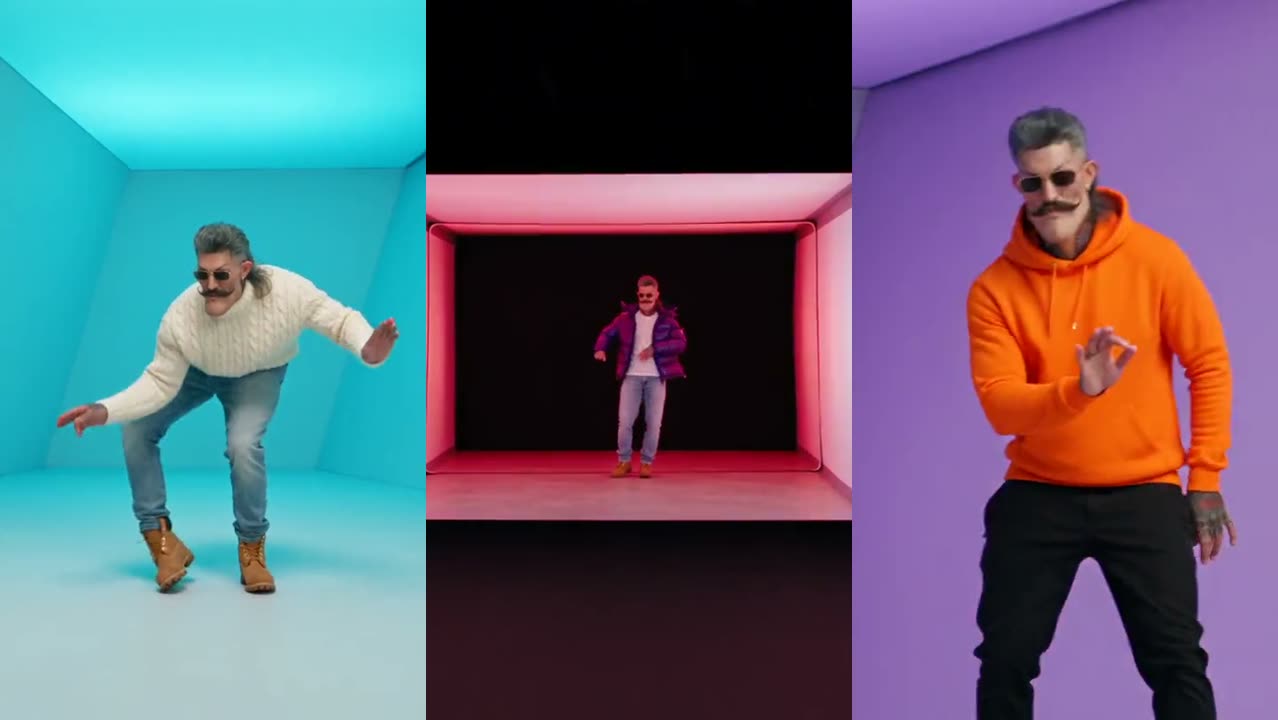
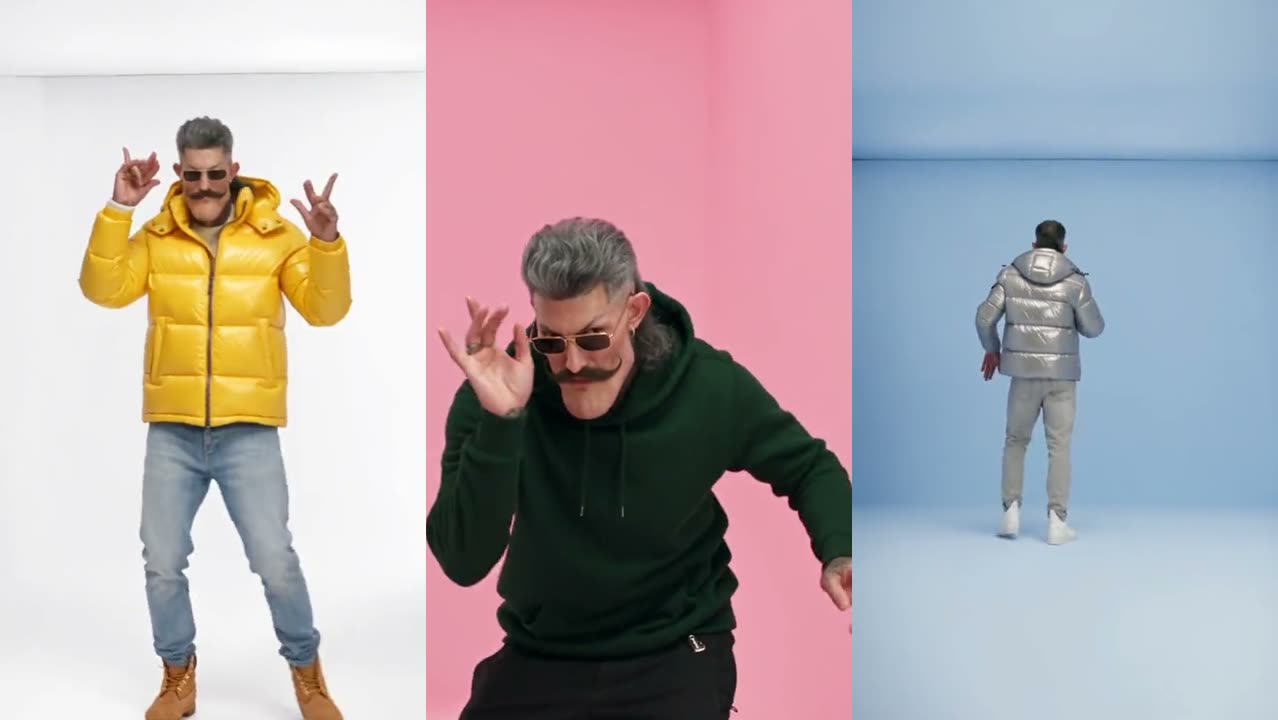
How to make the Hotline Bling AI trend video from one photo
Make the Hotline Bling AI trend video in five steps: pick the 18 s or 17 s clip, upload one photo, and get a vertical MP4 with a new outfit at every cut.
By Hotline Bling AI · Last updated · 5 min read
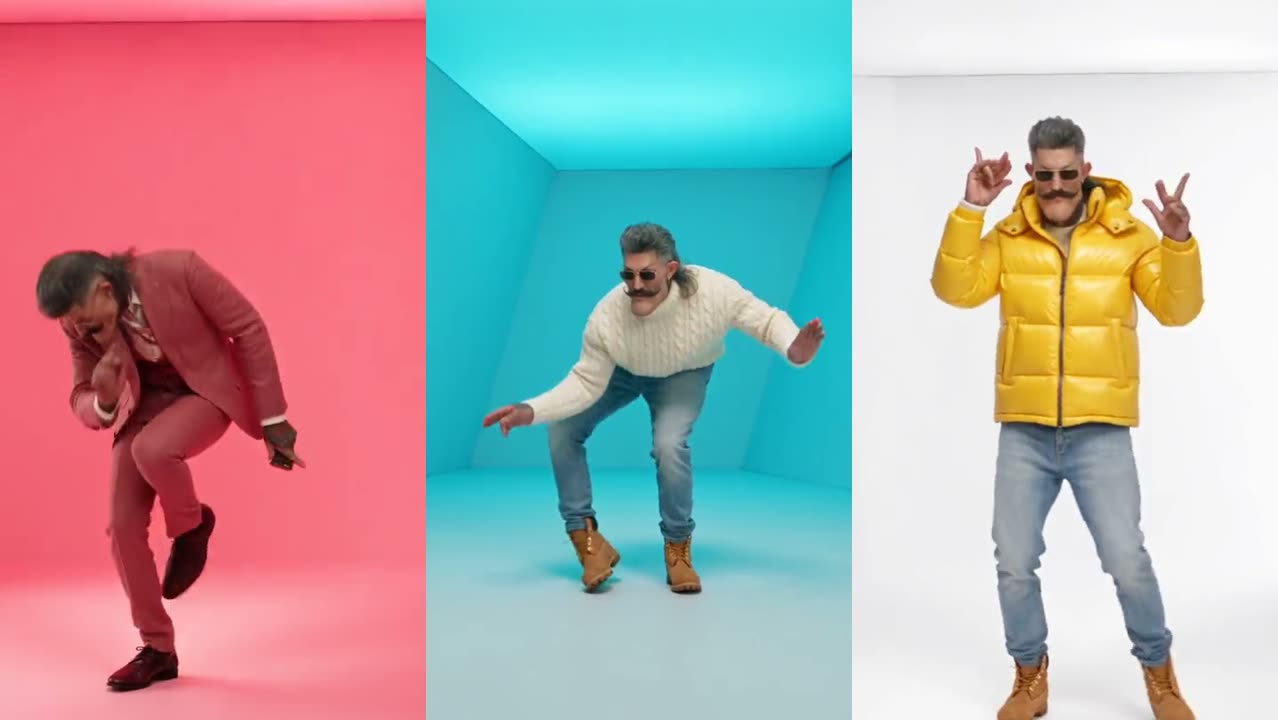
The trend recreates the dance from Drake’s 2015 “Hotline Bling” video with someone else in the rooms. This guide covers the steps, which clip to pick, how to get a face that looks like you, and what to do when something goes wrong. Where the trend came from is in the Hotline Bling AI trend explained.
How do I make the Hotline Bling AI video, step by step?
- Open the generator at the top of the home page and sign in with Google or email.
- Pick your video. The 18-second clip has 7 shots and the 17-second Pt 2 has 5. They are different clips, so they make different videos.
- Upload one photo of yourself. Face the camera, head to waist in frame, good light, no sunglasses. The photo checklist shows what works.
- Pick a quality and press Generate. 100 credits at Standard (480p), 200 at HD (720p) or 600 at Full HD (1080p), for either clip. The cost shows on the button before you press it.
- Download and post. The finished video appears under “My videos”, where you can watch it full size and download the MP4. Videos stay there for 14 days.
Which Hotline Bling clip should I pick?
Pick the 18-second original for the classic light-box look with the most outfit changes. Pick Pt 2 for more variety in the sets: a corridor, a staircase and a framed light box. Here is every shot:
| Clip | Shots and outfits | Best for |
|---|---|---|
| Hotline Bling (18 s) | Your own outfit → Cream cable-knit turtleneck → Cobalt puffer → Green hoodie → Mustard puffer → Silver puffer → Orange hoodie | The classic light-box rooms and the most costume changes |
| Pt 2 (17 s) | Your own outfit → Navy sweatsuit → Brown leather jacket → Purple puffer → Red turtleneck | More varied sets and the laughing shuffle at the end |
How do I get a face that really looks like me?
- Use a sharp photo taken at eye level. The AI redraws your face in every frame while you dance, so small or blurry photos drift the most.
- Take the sunglasses off. The dancer in the template wears them; you should not. The AI needs your eyes to keep your likeness.
- Keep it to one person and skip beauty filters, which smooth away the features the AI copies.
- Wear something you like in the photo. The first shot keeps your own outfit; every later shot switches to the template’s outfit.
What if something goes wrong?
| Problem | Why it happens | Fix |
|---|---|---|
| The face changes between shots | Low-resolution, side-on or filtered photo | Use a sharp, front-facing photo in daylight |
| The video failed | The photo was rejected or the AI service hiccuped | Credits come back automatically; try a clearer photo |
| The video is silent on TikTok | The platform muted the audio after posting | Add the Hotline Bling sound inside the app |
| Two people in the video | A group photo was uploaded | Crop the photo to one person |
Can I make the video without this site?
Yes. Kapwing has a 15-second Hotline Bling template, Starrd has an 18-second template and a Pt 2 in an iPhone app, and EAST.IM makes a two-person version. To do it without AI, film four to seven short takes in front of a plain colored wall, change your top between takes and cut them on the beat in CapCut. The tools are compared side by side in the Hotline Bling generator comparison, and the moves are broken down in the dance guide.
How do I post it?
The video is vertical and already has the song, so it uploads to TikTok, Reels and Shorts as it is. Turn on the platform’s AI-generated label. Captions, hashtags and what to do when the sound gets muted are in how to post the trend on TikTok.