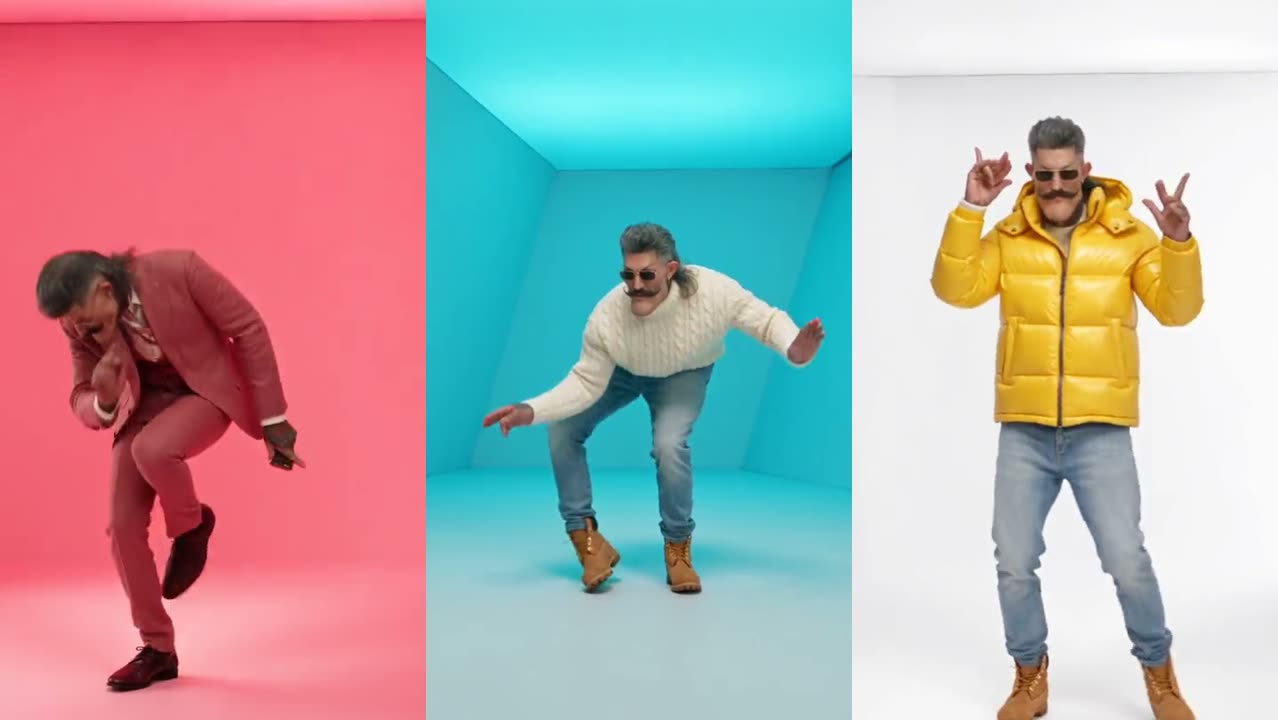
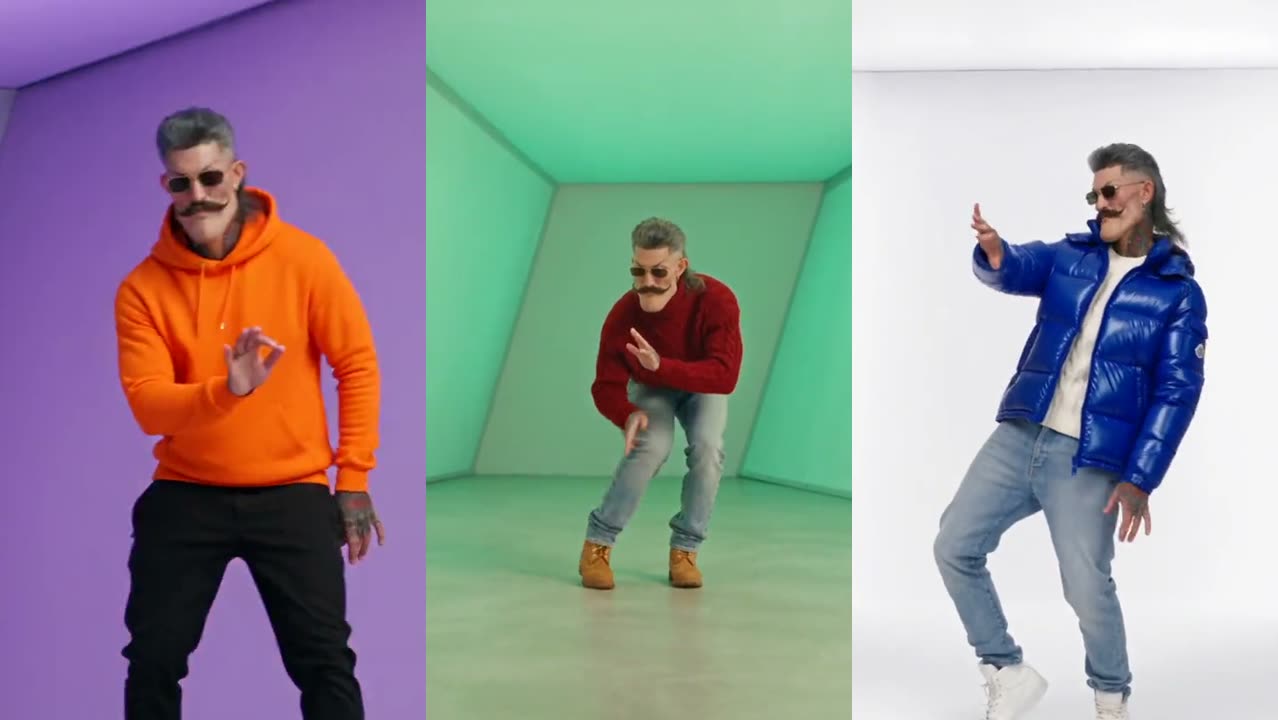
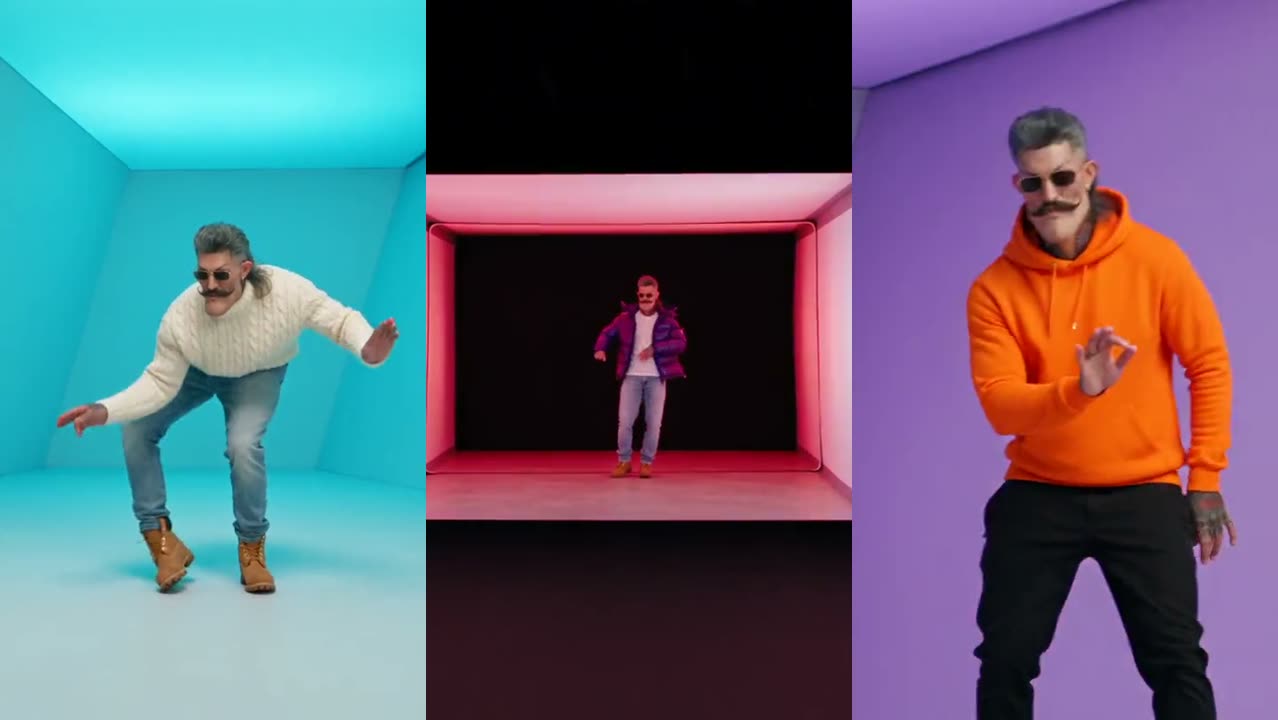
Which photo works best for the Hotline Bling AI video?
The best photo for a Hotline Bling AI video: 8 rules for a face that stays the same in every shot, the photos to avoid, and what happens to your outfit.
By Hotline Bling AI · Last updated · 3 min read
Why does the photo matter so much?
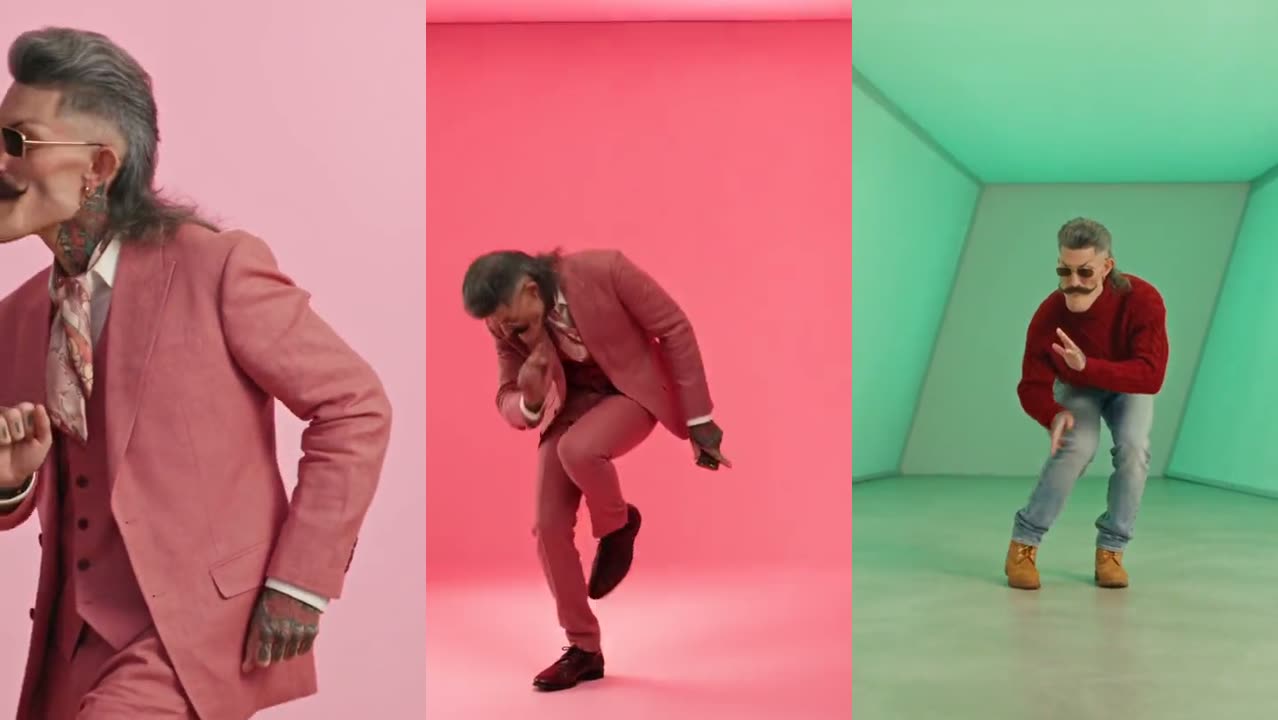
The photo matters because the AI rebuilds your face in every frame of the video while you turn, bend and change outfits. The 18-second Hotline Bling clip has seven shots, including a close-up and a shot from behind. Every detail the photo leaves out, the AI has to guess, and guesses drift from shot to shot.
What are the 8 rules for a good Hotline Bling photo?
- One person only. Crop friends out; a group photo confuses who the dancer is.
- Face the camera. Straight on or a slight angle; no profiles.
- Head to waist in frame. The AI needs your shoulders and build, not just a face.
- No sunglasses. The template dancer wears them; you should not. Your eyes carry your likeness.
- Soft, even light. Daylight from a window beats a flash or a dark bar.
- Sharp, not tiny. At least 341 px on each side; a normal phone photo is plenty.
- No beauty filters. Smoothing erases the features the AI copies.
- Only adults who said yes. No children, celebrities or people who have not agreed.
Which photos give a bad result?
| Photo | What happens | Use instead |
|---|---|---|
| Selfie at arm’s length | Wide-angle distortion; a big nose and small body | A photo taken by someone else, or a timer shot |
| Group photo | The wrong person, or two people, dance | Crop to one person |
| Sunglasses or cap | Eyes and hairline are invented | Take them off |
| Dark club photo | Grainy face that changes between shots | A daylight photo |
| Heavy filter | Plastic-looking skin, a face that is not quite you | The original, unfiltered photo |
Does my outfit in the photo matter?
Your outfit shows up in the first shot only. In both Hotline Bling templates the first shot keeps the clothes from your photo, and every later shot switches to the template’s outfit: a cream turtleneck, puffers and hoodies in the 18-second clip, a navy sweatsuit, a leather jacket and a red turtleneck in Pt 2. A bold color in your photo makes the first cut pop.
Ready to try it?
Upload your photo in the Hotline Bling video generator. If the face still drifts, the other fixes are in the step-by-step guide.